
B9 Game Login Guide: Secure and Easy Account Access
Once your account is created on the B9 Game app, the next thing you need to know is how to log in. And how to do it safely every single time. The login process on B9 Game is very quick. Some new players think that for logging in on the app, you need long details. But it is not true. You need only a few things, and you are in. But some players still get stuck on small issues. If you read this guide, you will know how you can get access to your B9 Game app within seconds. This guide covers everything you need.
One Thing You Should Know Before Logging In
B9 Game gives you a reward just for opening the app and logging in each day. For this, you did not need to deposit. Just log in, and the bonus lands in your account. Players who do this every single day without skipping build up a nice amount of free balance over time. If you skip a day, that day’s bonus is gone forever. So make it a habit. Open the app, log in, grab the bonus, and then do whatever you want.
How to Log In to Your B9 Game Account
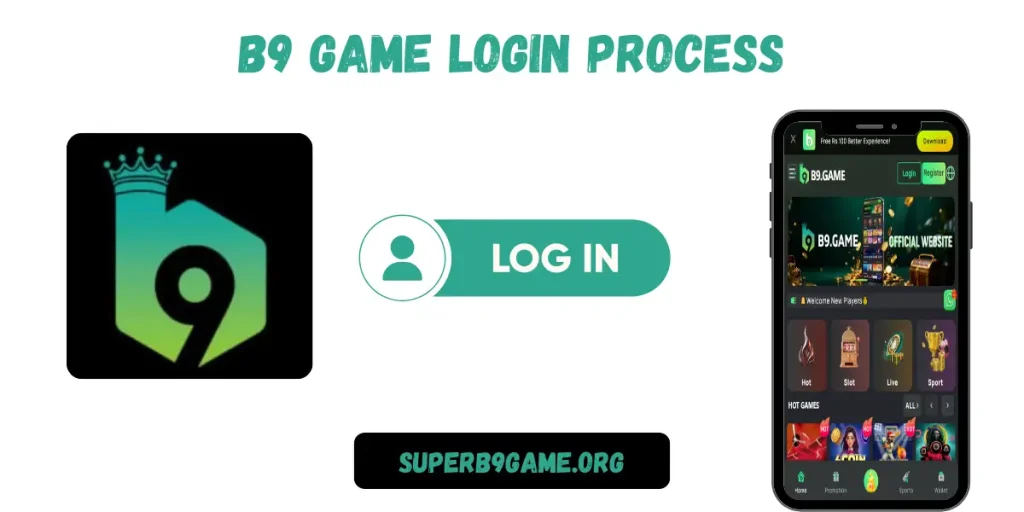
If you want to do a B9 game login process, just follow them one by one, and you will be inside your account in no time.
Open the App: Pick up your phone and launch the B9 Game app. Make sure your internet is on before you open it.
Tap Login: On the main screen, you will see two options. Register and log in. Tap on Login since your account is already made.
Enter Your Phone Number: Type the Pakistani mobile number you used when you registered. Do not add anything extra. Check if the app asks for the country code; you must add it.
Type Your Password: Enter your password carefully. One wrong letter or one missing symbol, and the login will not go through. If your keyboard has autocorrect on, turn it off before typing.
Hit the Login Button: Press “Login.” If everything is correct, your account will open in a second or two.
Why Your Login Is Failing and What to Fix
Password Is Not Working
Check for typos first. Also, check if the caps lock is on. You enter the password in the app, and you think it is correct. But in a hurry, users usually make a short mistake. This is why they face this issue.
Phone Number Is Not Accepted
Make sure you are entering the same number you used when you created your B9 Game account. If you are using any other number, you will never get access to your account.
OTP Is Not Arriving
Check the number you entered. Even one digit wrong, and the OTP goes somewhere else. Also, make sure your SIM is active and has a signal. Wait a full minute before requesting it again.
App Not Opening Or Keeps Crashing
This is due to your using the very outdated version of the B9 Game app. You need to update it from the official website. If you still face this issue, delete the app and download it again.
Internet Dropped During Login
Connect your mobile to a stronger internet connection. A weak signal can cause the login to fail halfway. Always use a stable internet when accessing the app.
Keeping Your Account Safe
- Never share your password with anyone. Real B9 Game support will never ask for it.
- Log out after every session, especially on a shared phone.
- Never save your login details on someone else’s device.
- Never miss an update from the B9 Game.
- Change your password every few weeks.
Final Thoughts
Logging in to B9 Game is something that should never take more than a few seconds. Your phone number, your password, and a working internet connection. That is honestly all it needs. If you face any problems, you can solve them by reading this guide. Log in daily so you never miss your bonus. Keep your password private. Always use the official app downloaded from the official website. This is a betting platform at the end of the day. Play with your head clear, set a limit that you are comfortable with, and stick to it.
Frequently Asked Questions
What should I do if my B9 game login is not working?
Check your phone number and password carefully. One wrong digit causes the error. If you forgot your password, use the reset option on the login screen.
What happens if I type the wrong password several times?
The app may lock your account temporarily. Use the Forgot Password option to reset it and get back in the app. Do not make many failed attempts.
Is the daily login bonus automatic?
It will be added when you log in, but you usually need to go to the promotions section to actually claim it. Do not skip this step.